Activate your Spytec GPS GL300 tracker
Activate your Spytec GPS GL300 tracker
Click here to visit our activation page.
- Enter your name
- Enter your email address

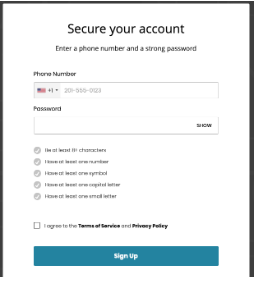
Set Up Your Account:
- Enter your phone number.
- Enter your password
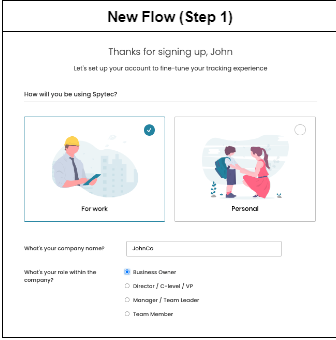
- Select if tracking for business or personal use > If business use is selected, you'll be asked a few more questions:
- Enter the company name
- Your role within the company
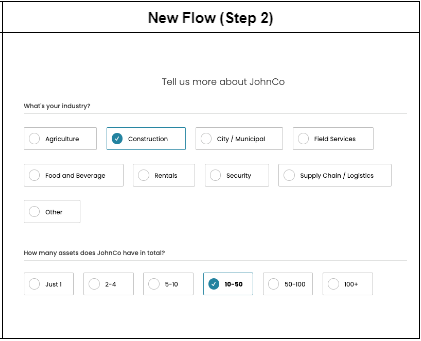
- Select the industry of your business
- How many assets you have in total
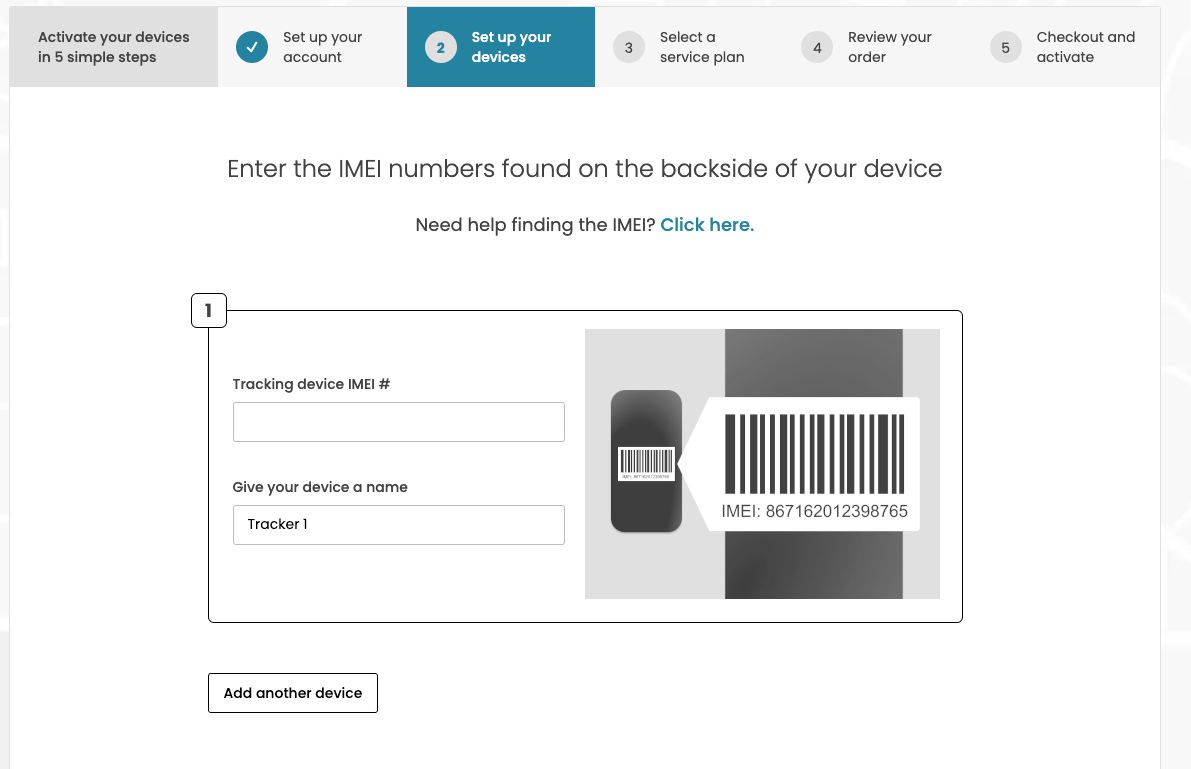
Set up your devices:
- Enter your IMEI number
- Name your tracker
- Use the "Add another device" button if you're activating more than 1 device
- Confirm the email and phone number where tracking alerts will be sent
Select a service plan:
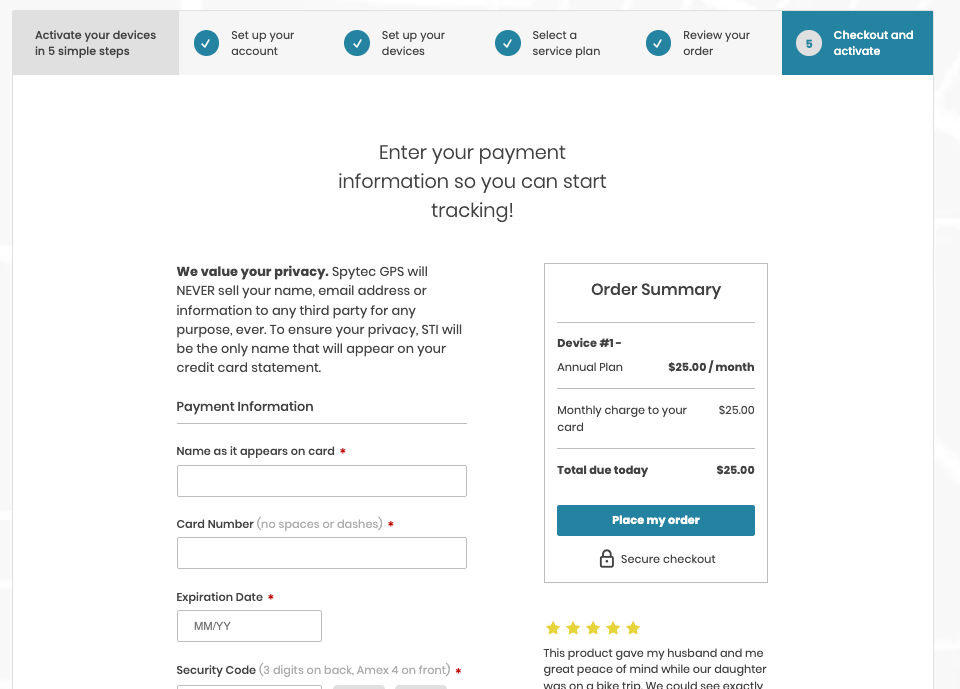
- Review your order
- Checkout
https://helpcenter.spytec.com/


Comments
Post a Comment