Spytec GPS GL300 Connect your tracker to the platform & Place your tracker
Connect your tracker to the platform
- Charge your tracker: Ensure your tracking device is fully charged. The device typically takes 4-6 hours to charge.
- Reboot your tracker: To power down, hold down the small power button on the top of the unit for 10-15 seconds, then release. Repeat this step to turn the unit back on. Please Note: the unit cannot be plugged in to the charger while performing this step). Learn more about how to Reboot your GL300.
- Test your tracker: Walk or drive around outside for 5 to 10 minutes with your tracker. The lights will indicate the connection of the tracker. Learn more about the lights on your tracker.
- Check your signal: Log in to your account to see if you're getting a signal.
Place your tracker
Trackers are commonly placed:
- Inside a vehicle: Ideal placements are under the passenger or driver seat with the lights facing up. We don't recommend placing the tracker in the trunk of a vehicle or the glove compartment. Locations that are fully enclosed in metal will lead to poor connectivity.
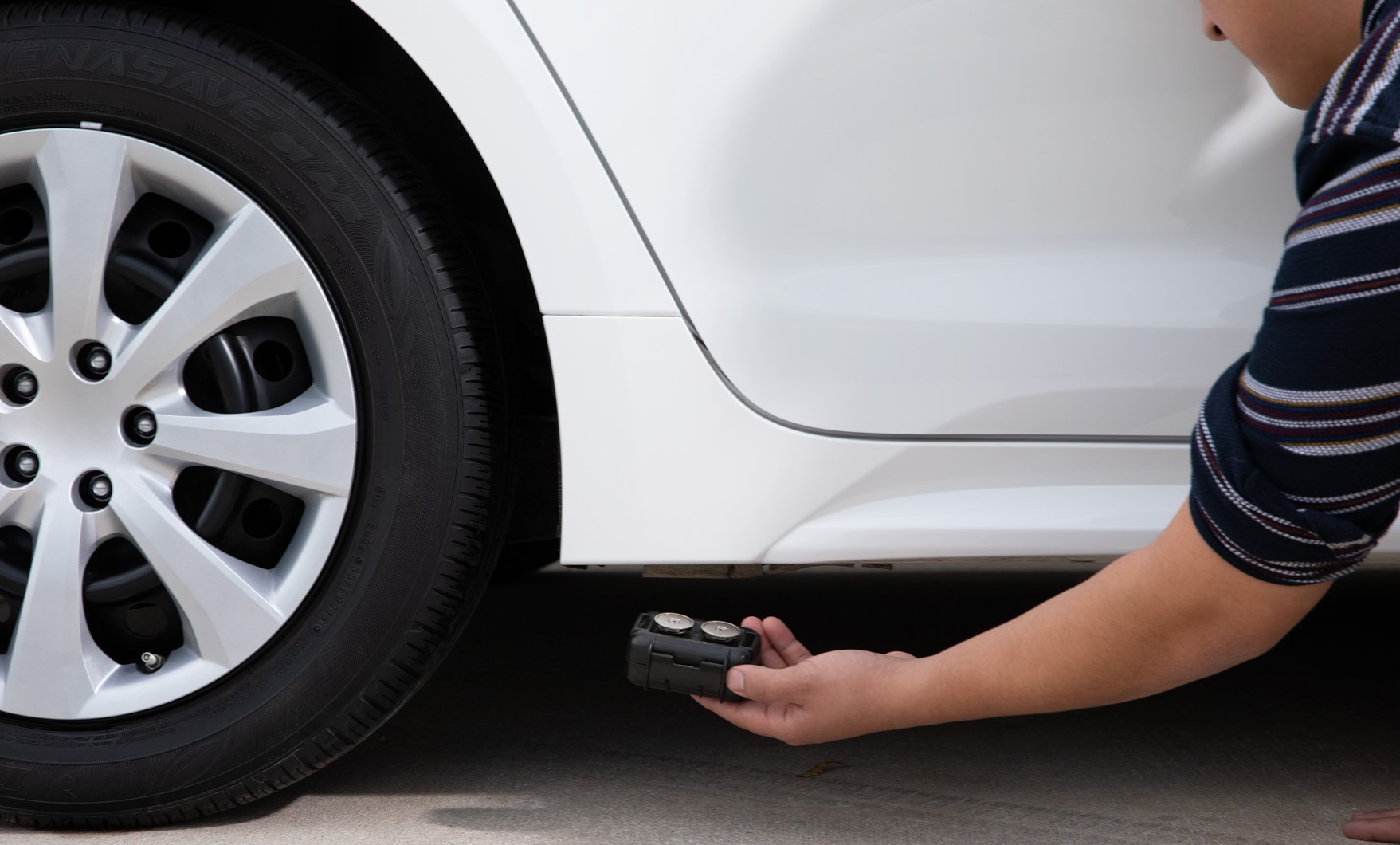
- On the undercarriage of a vehicle: you'll need to pair the tracker with an M2 case.
Learn more about how to place devices.
https://helpcenter.spytec.com/


Comments
Post a Comment