Customize your Spytec GPS GL300 tracker & Create a boundary
Customize your Spytec GPS GL300 tracker
Customize your tracker in your Trackers Preferences:
- Name of the tracker
- Tracker description
- Color of the tracker on the map
- Tracker icon
Learn more about how to change the tracker's settings
Create a boundary
Boundaries allow you to keep track of your device if it enters or exits a certain location.
Customize a boundary:
- Name your boundary
- Choose the shape
- Size the boundary over the area you wish to serve as the center point of the boundary.
- Save and create more boundaries
We offer two types of boundaries to place on the map:
- Round: Used when looking to place a quick boundary over a general area. As the name indicates, the boundary area will be in the shape of a circle.
- Custom Draw: Used when looking to outline a specific, custom area on the map (i.e. a city block, or county).
Learn more about creating a boundary.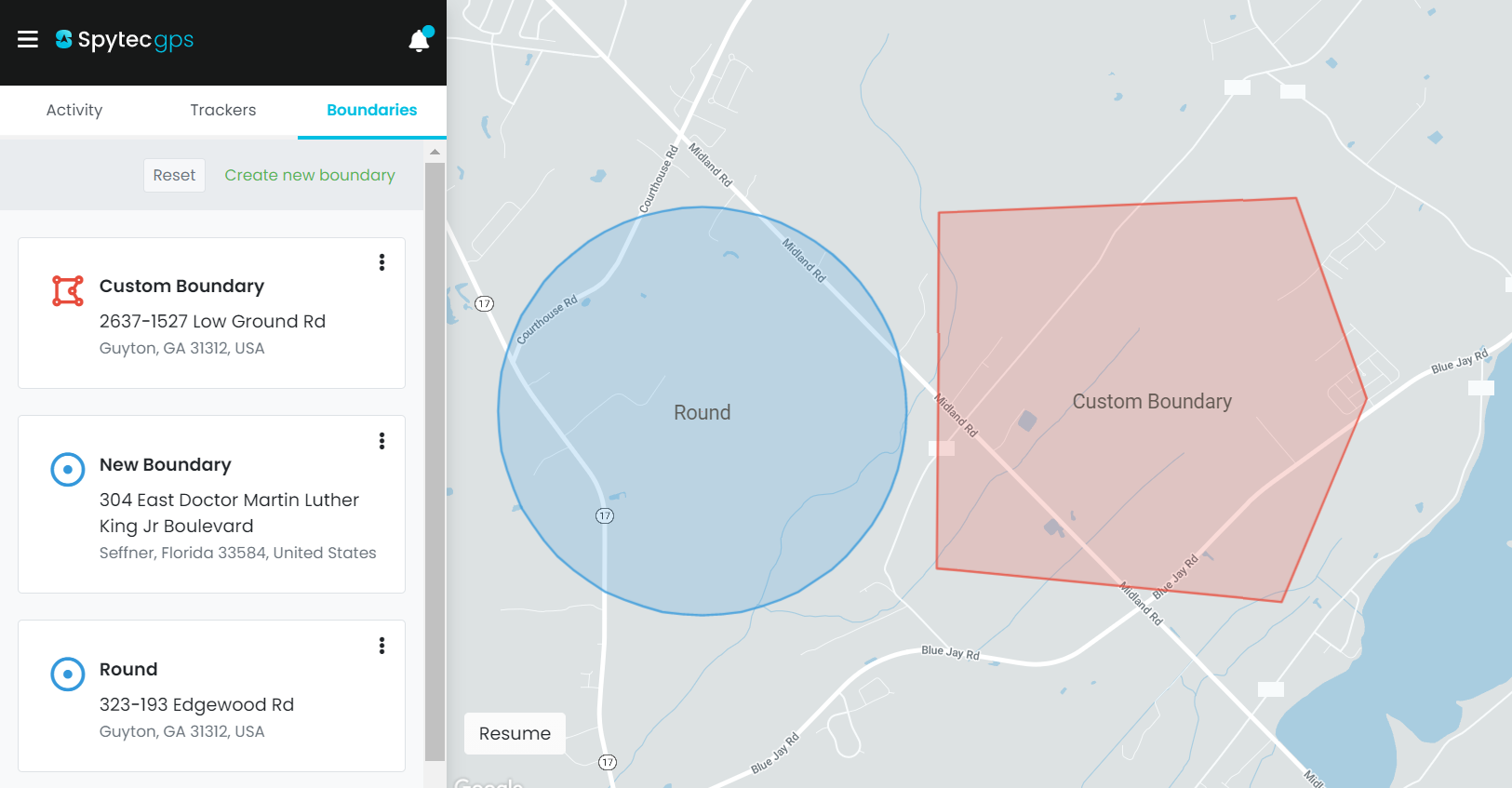
https://helpcenter.spytec.com/


Comments
Post a Comment