Spytec GPS GL300 Set up notifications
Spytec GPS GL300 Set up notifications
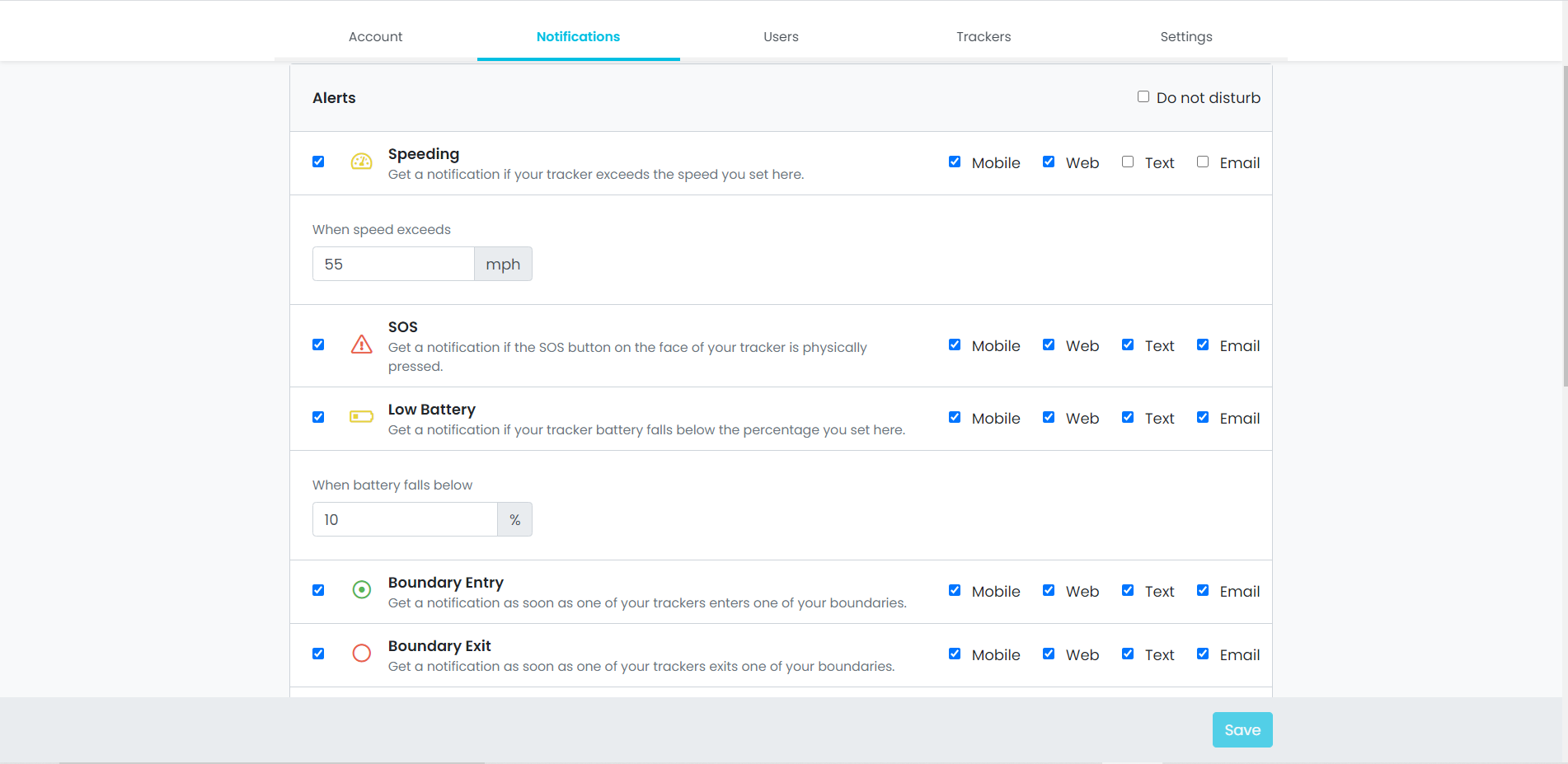
Notifications can alert you when:
- Your tracker starts moving
- The tracker battery is low
- A tracker has entered a boundary entry, etc.
Set up alerts:
- Go to your Preferences
- Click on the notifications tab
- Select the different alerts you'd like to receive
- Save your settings
Learn more about how to set up alerts
https://helpcenter.spytec.com/


Comments
Post a Comment